How do I navigate through the approved AI tools?
To navigate through GP's approved AI tools, select their information boxes in the AI Portal, and read through their attached guides.
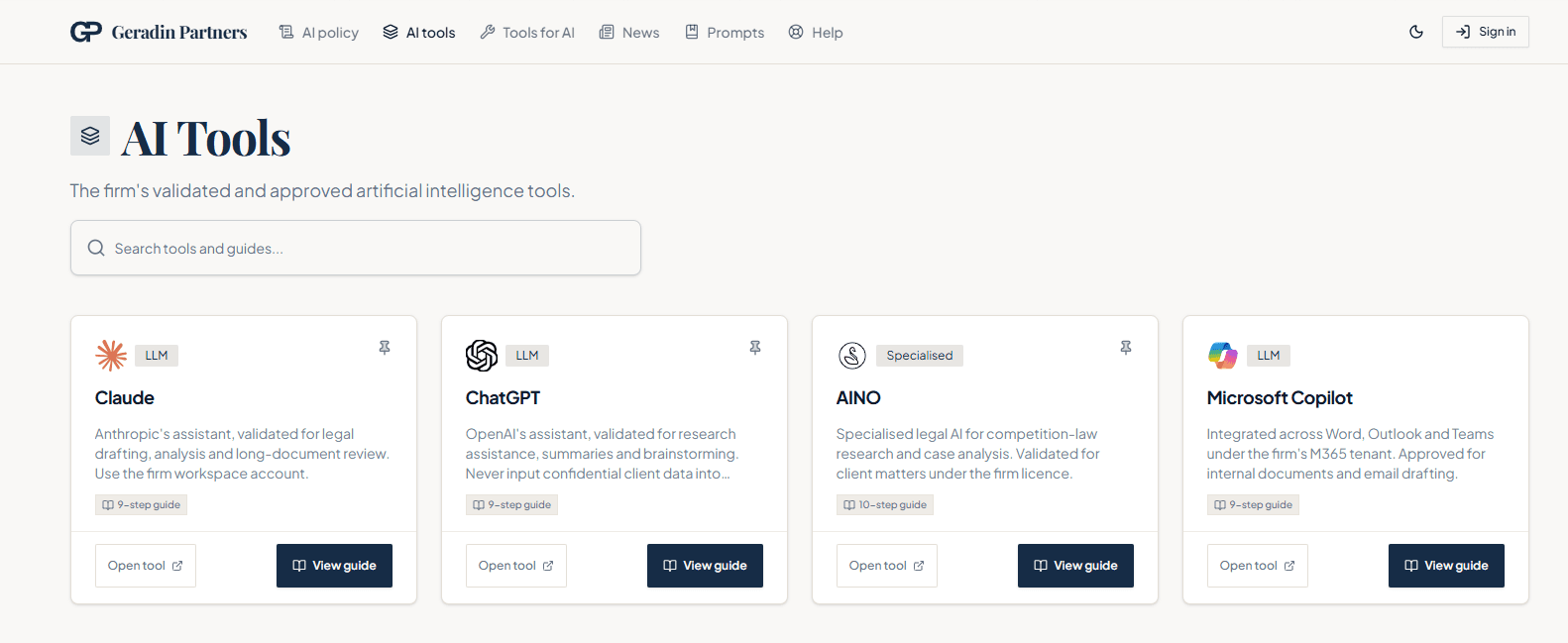
The ‘AI tools’ page lists the firm's approved AI tools. To navigate through the tools, follow the listed steps.
Browse the tool cards on the ‘AI tools’ page, or use the search box to filter.
Click a tool card to open its guide — a step-by-step tutorial covering setup, everyday use, and pitfalls to avoid.
Guides include interactive checklists: tick steps off as you complete them, and your progress is saved to your account.
Use the Open tool button on a guide page to launch the tool itself.
Note
Tools marked "Coming soon" are not yet available — the card shows when to expect them.
Was this helpful?