How to Create Projects in Claude
Projects are dedicated, self-contained workspaces that include broad instructions, context documents, and distinct chats.
Creating a Project
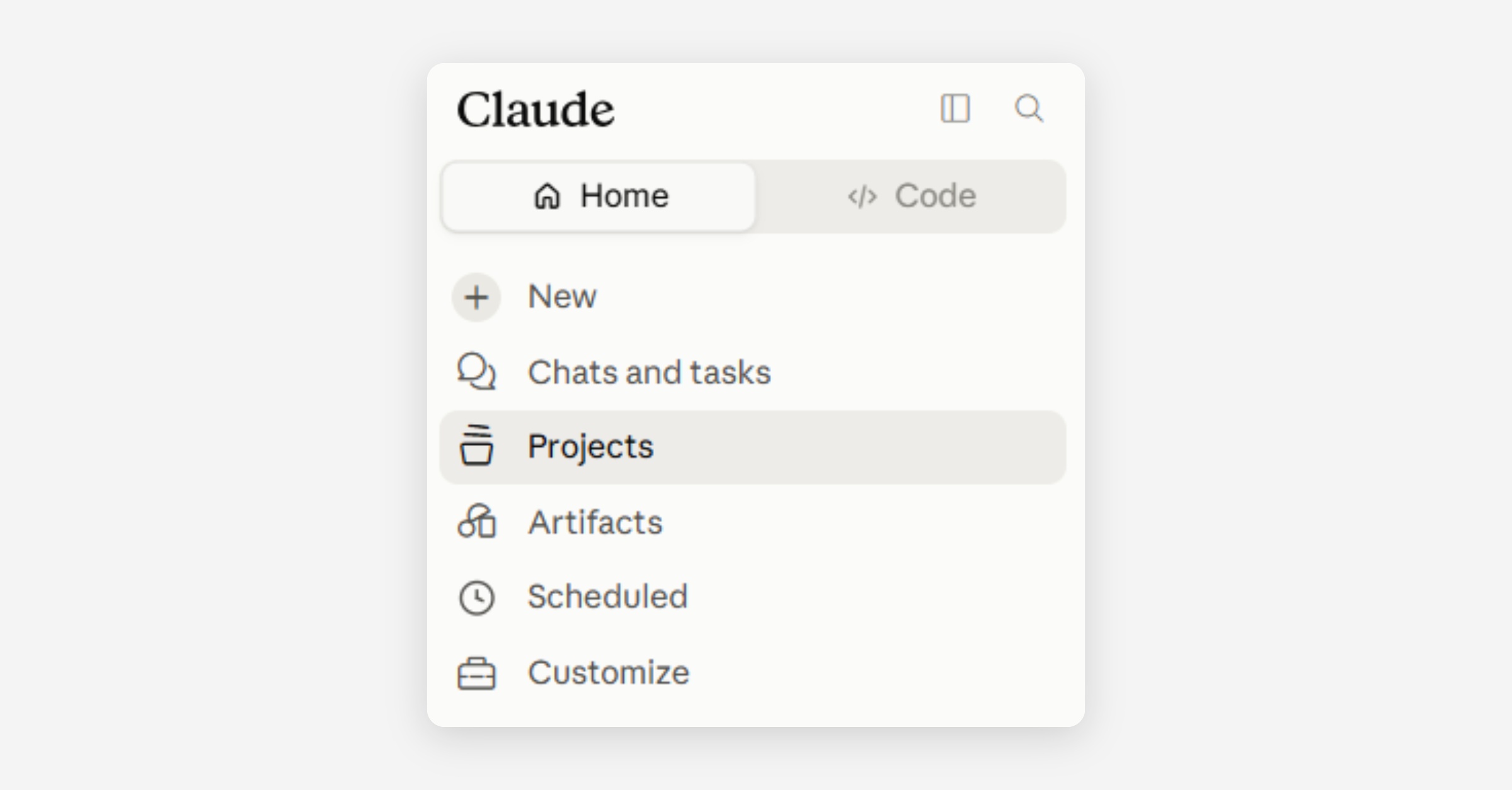
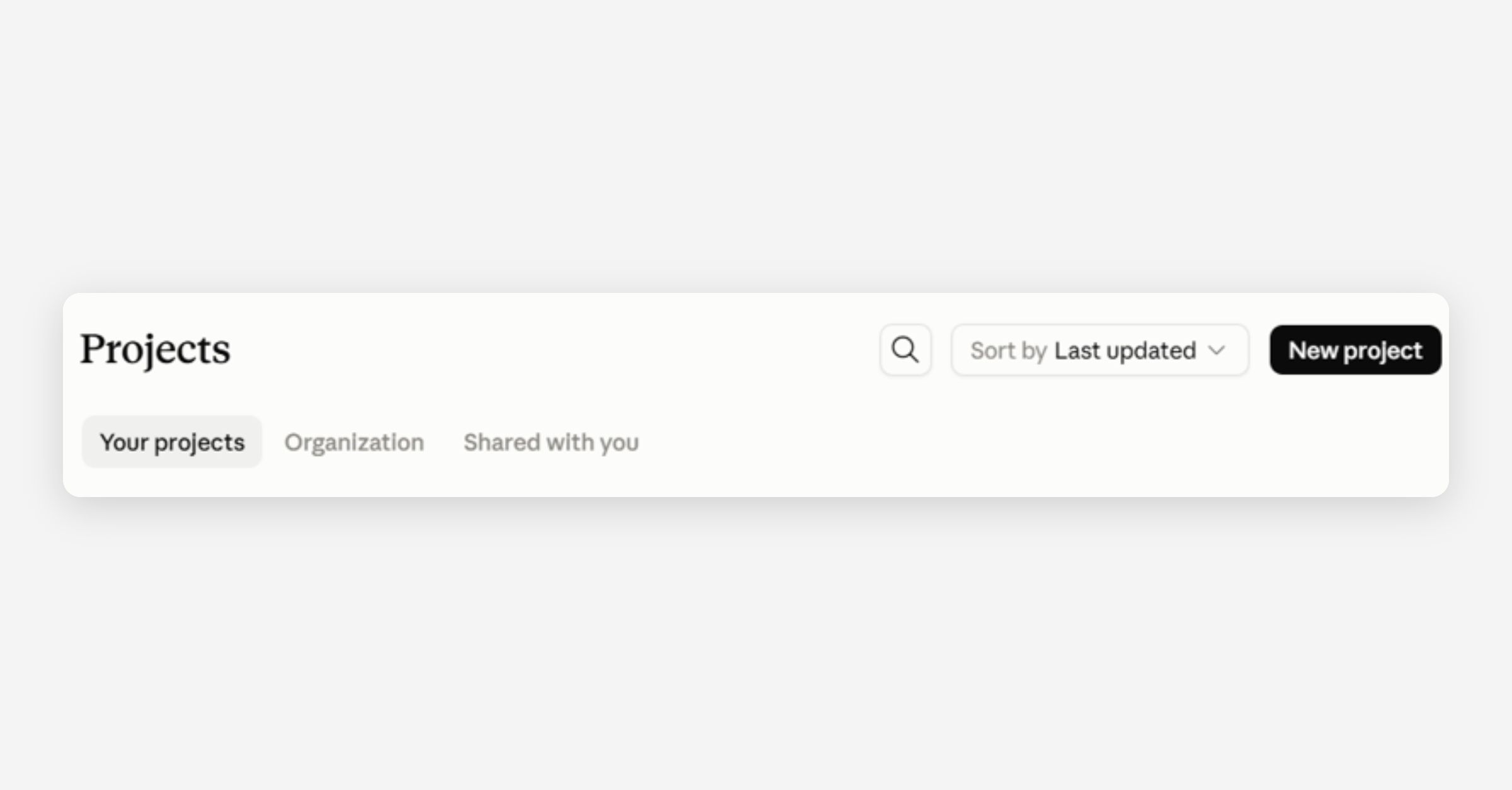
To create a project in Claude, select ‘Projects’ within the left sidebar (top image in pair below); within the interface that appears, select ‘New project’ (bottom image in pair below) and provide a name and description for your project.
Features of a Project
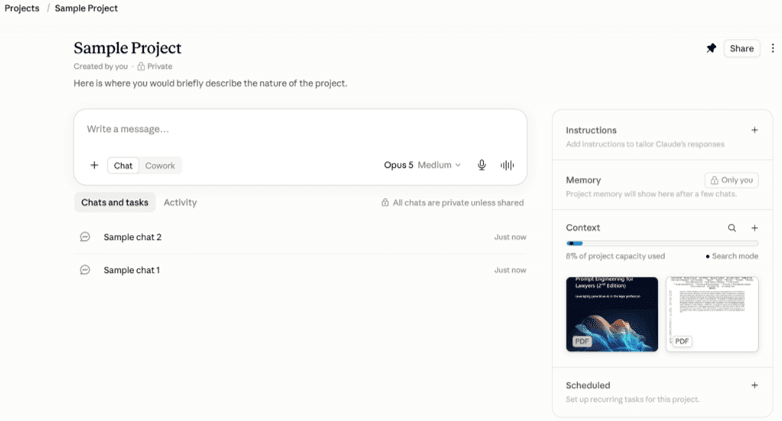
A project comprises the broad instructions you have provided, the context documents you have uploaded, and the distinct chats you have begun within it. These features are visible within the project.
Instructions tailor Claude’s behavior and responses, allowing you to control tone, the perspective from which Claude answers, and Claude’s reasoning process.
Context documents inform Claude’s search and synthesis efforts. Documents used throughout a project should be uploaded into the project’s context window rather than into a specific chat.
A chat harnesses the information in the project’s context window and the chat’s conversation history. Its context window is unique from those of other chats within the project. Consider opening new chats for separate tasks within a project to avoid overloading one chat’s context window.
Was this helpful?